

We have an honest review policy, but this page contains affiliate links. If you buy through these, we may earn a commission. This helps fund our research at no cost to you.
In this Shopify Starter plan review, I spell out all the key pros and cons of the entry-level version of Shopify — and help you work out if this version of the platform is right for you.
Update:
Shopify recently discontinued its Starter plan. Existing Starter users can keep using the plan, but can’t return to it after upgrading.
We now recommend the Basic plan to any new merchants who are interested in using Shopify. You can access a trial of the Basic plan here.
Quick verdict
If you don’t need a full website, Shopify Starter is an excellent and low-cost way to start selling online. At just $5 per month, it’s ideal for social media sellers, in-person merchants, or anyone who wants to test a business idea quickly using payment links, buy buttons, or Shopify’s excellent point-of-sale tools.
That said, it’s not a serious solution for building a professional online store. Its lack of product collections, blogging, SEO tools, and the high 5% transaction fee mean that most serious businesses will outgrow it fast. If you want a simple way to accept payments, Starter makes sense; if you want a proper ecommerce store, you’ll be much better off on a regular Shopify plan.
I’ll now continue with a deeper dive into the key reasons for and against using the Shopify Starter plan.
Reasons to use Shopify Starter
1. It’s very cheap
One of the biggest reasons for using Shopify Starter is because — by comparison to competing ecommerce platforms — it is extraordinarily cheap. It costs just $5 per month, yet still gives you tools to:
- create a basic storefront
- sell in-person (at ‘point of sale’)
- create ‘buy buttons’ that let you embed your products on existing websites.
So, if you need to sell online and are on a really low budget, the Starter plan is a great option.
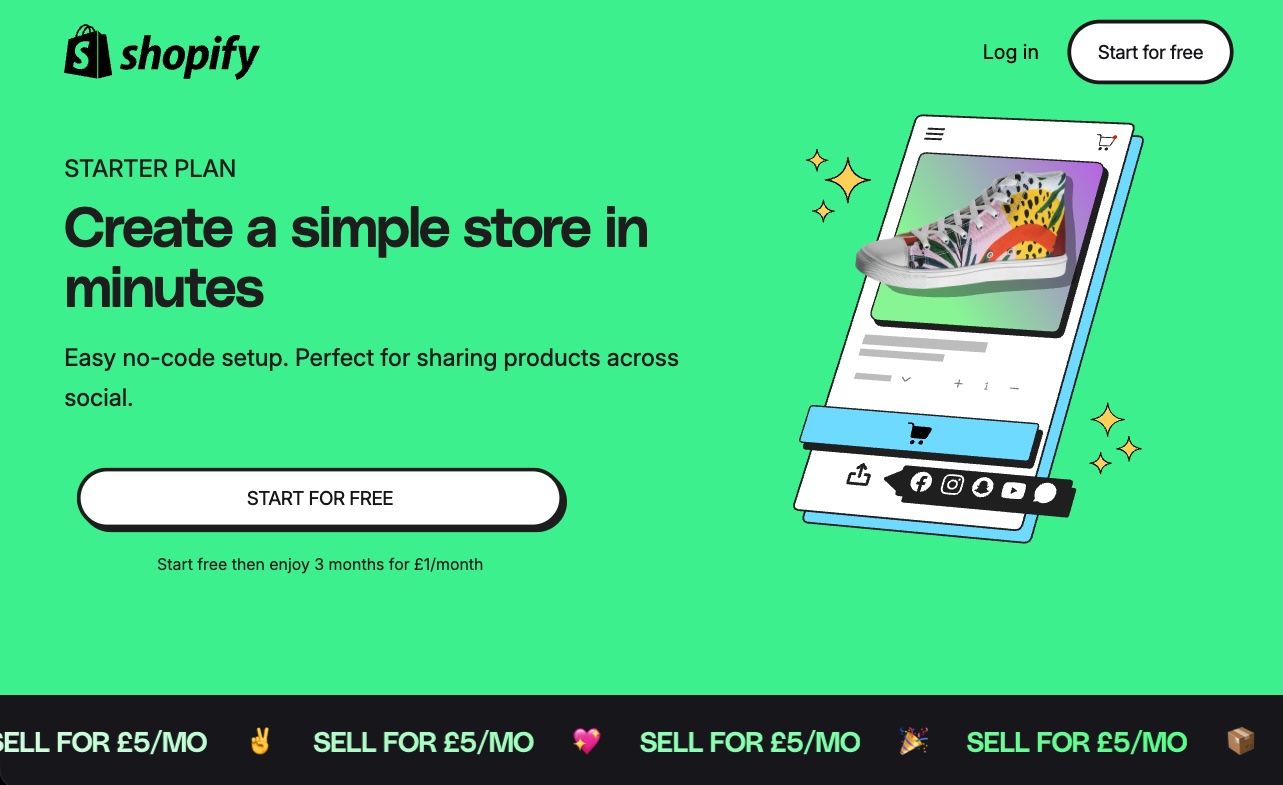
The other benefit of the Starter plan’s competitive pricing is that it gives you the opportunity to test a side hustle idea without significant financial risk.
2. It gives you a really quick way to get an online store off the ground
The storefront that the Shopify Starter plan gives you (via its ‘Spotlight’ theme) is very basic in nature, and doesn’t really let you do much other than list products and accept payment for them.
But this simplicity means that you can build a store with the Starter plan extremely quickly. You just upload your products and logo, and you’re basically good to go.
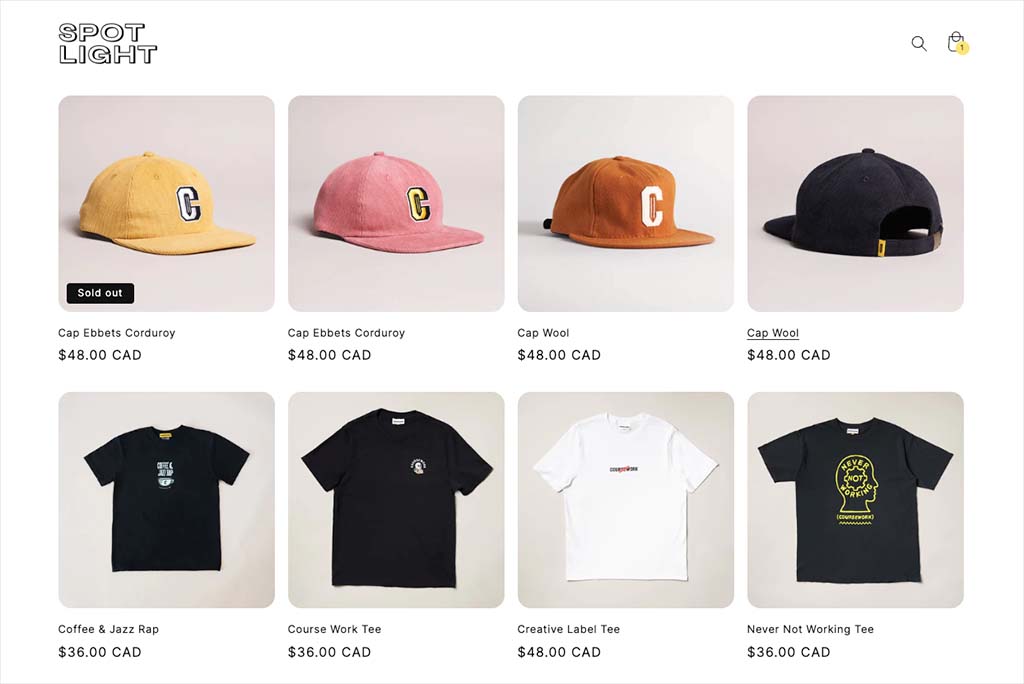
In fact, if you need to put an online store together quickly, it’s hard to think of a faster way to do so than using the Shopify Starter plan.
And despite its simple nature, an online store built with the Starter plan will still include one of Shopify’s best features — its high-performing checkout.
Download our free Shopify Startup Kit
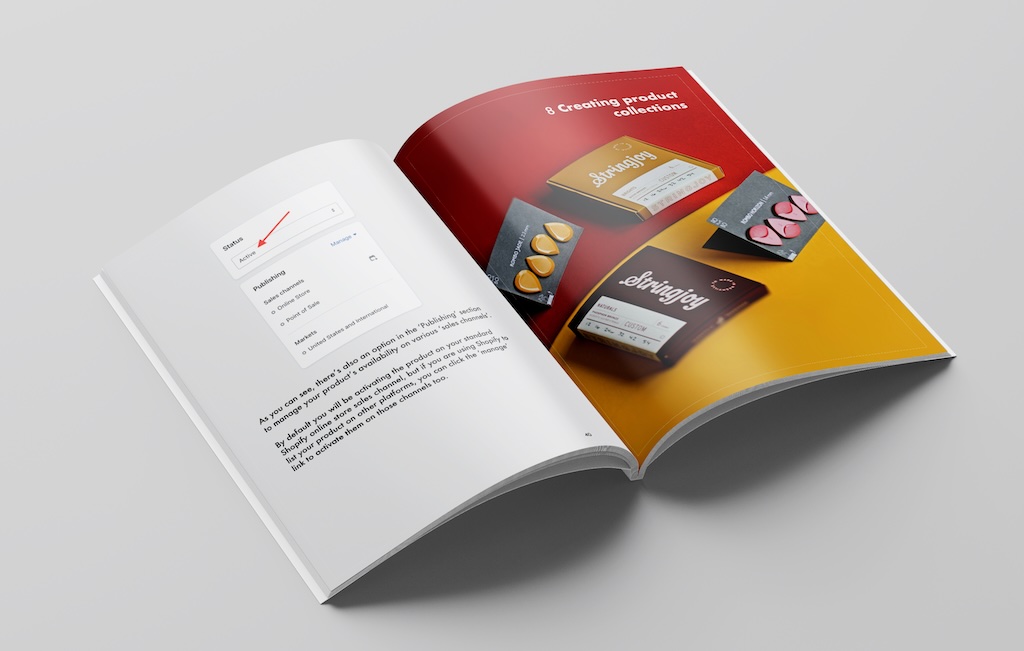
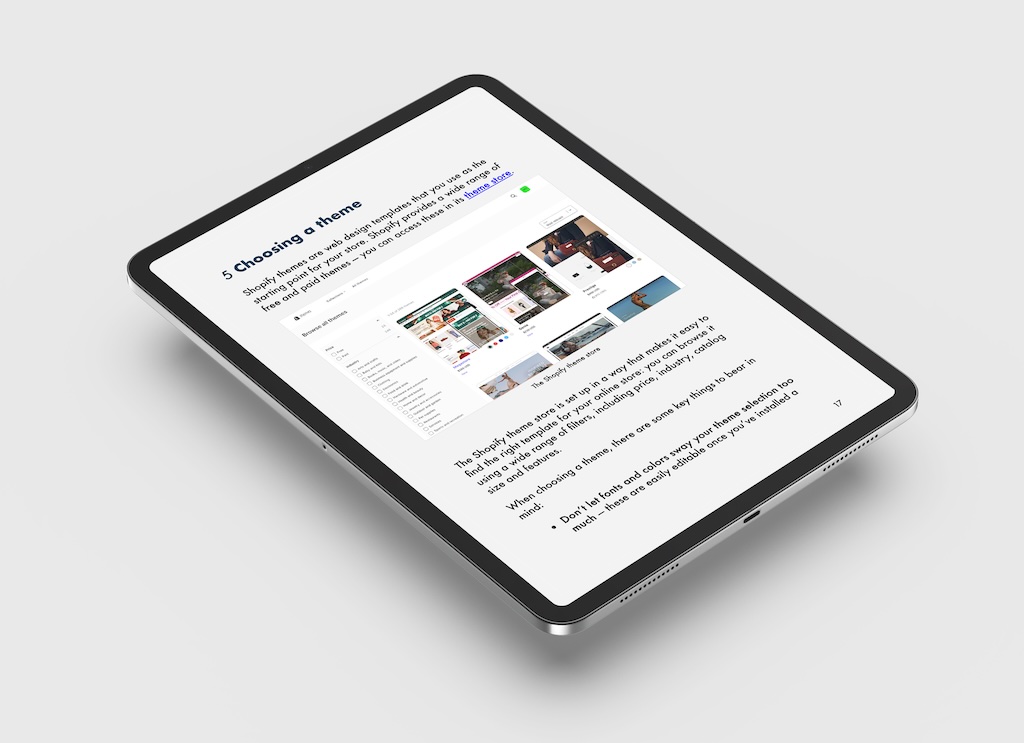
Our free Shopify Startup Kit is a must for anyone thinking of building an online store with Shopify. Containing a comprehensive e-book on starting a Shopify store, video tutorials, PDF cheatsheets and much more, it’s packed full of practical advice on how to get a Shopify business off the ground. It’s available for free to Style Factory readers — but for a limited time only.
3. It’s great for social media sellers
A lot of sellers these days don’t bother with a traditional website. Their audience hangs out elsewhere — for example on social media platforms like Instagram and TikTok.
But those sellers still need a way to accept payments for their products — and Shopify Starter provides exactly that, in the form of simple payment links that let you accept payment for goods, no matter where you’re selling.
Besides which, running a website can be hard work — you need to think about branding, product uploads, content updates, blogging, SEO and much else besides. Some merchants simply don’t want to get bogged down in all this — they just want a simple way to make their products available for sale. Again, Shopify’s Starter plan ticks that box.
4. It facilitates point-of-sale selling
One of the best things about Shopify in general is its point of sale features. These let you accept payment for goods in physical locations — retail stores, market stalls, gig venues, etc. — via smartphones and card readers.
The Shopify Starter plan includes the standard version of Shopify’s POS system, giving merchants a super low-cost way to start selling in person.
However, on the Starter plan, you’re unable to upgrade to Shopify’s POS Pro plan — a version of Shopify’s POS system that lets you accept payments in multiple physical locations. You’ll need to upgrade to a higher-tier plan to do that.
5. It lets you add ecommerce features to any website
The Shopify Starter plan lets you add ecommerce to any website really easily. This is thanks to the inclusion of its ‘Buy Button’ feature, which embeds your products on an existing site.
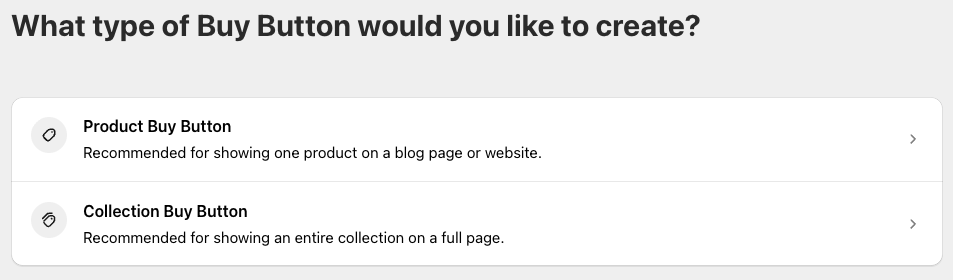
To use this, you just add a snippet of Shopify code to the site you’d like the products to appear on.
While you’re here, check out our store builder finder tool

Our store builder finder tool helps you find the right ecommerce platform for your needs. Simply answer a few questions about your requirements and get a personalized recommendation that’s right for you.
Reasons to avoid Shopify Starter
1. It doesn’t give you a fully-functional online store
Although Shopify Starter technically lets you build an online store, the type of site you can put together with it will not be good enough for professional merchants.
In truth, all a Shopify Starter store lets you do is list a few products, accept payment for them, and provide contact details for your customers. You can forget about any meaningful customization options, or even the option to add pages to your store.
Significantly, a Shopify Starter store doesn’t let you organize your products into collections. This makes it harder for shoppers to find what they’re looking for on your store, or to discover products that they might not have previously considered buying.

2. Its transaction fees are very high
When you use the Starter plan, Shopify takes a 5% cut of your sales. This amounts to a very high transaction fee.
But with the other Shopify plans, so long as you’re using Shopify Payments — Shopify’s own payment processing tool — you can avoid transaction fees entirely. So if you’re selling a lot of products, a different Shopify plan will usually work out cheaper in the long run than the Starter one.
3. It’s not great for content marketing or SEO
The Shopify Starter plan doesn’t let you blog or add pages to your store — and this severely curtails your ability to perform content marketing or search engine optimization. So if you’re planning on making organic traffic a key part of your marketing mix, you’re better off with one of the other Shopify plans.
4. It doesn’t give you full access to the Shopify app ecosystem
There is a huge range of apps available for Shopify — over 16,000 in fact. These let you extend the functionality of your store in all sorts of interesting ways.
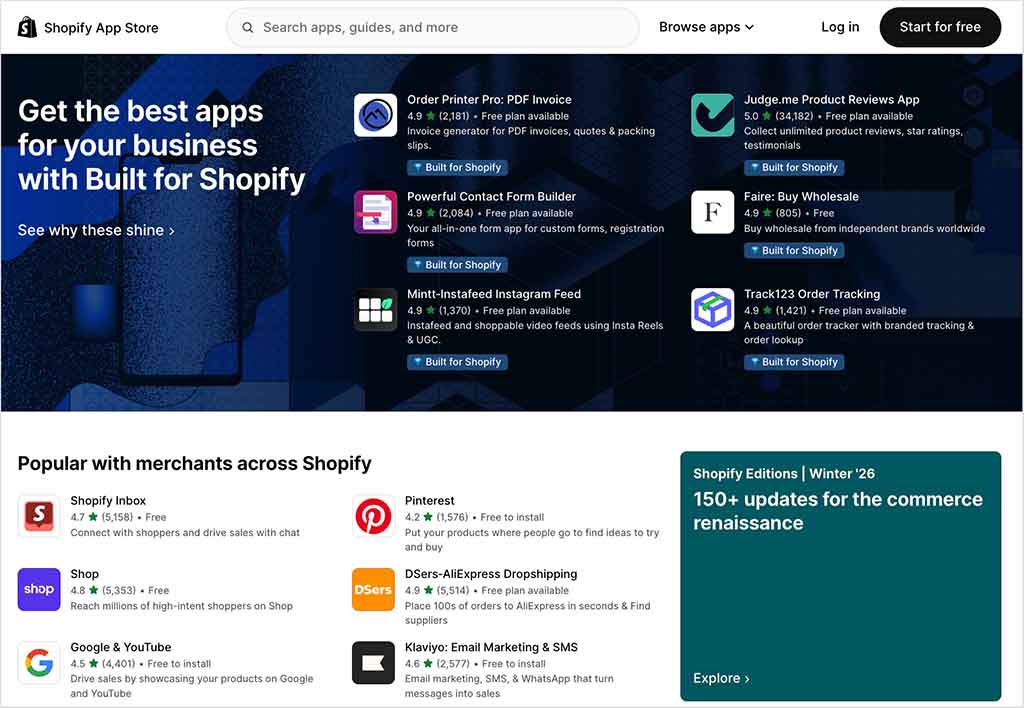
Although you can install some of these on a Shopify Starter store, many won’t work with this version of the platform — so to get the most out of Shopify apps and integrations, you’re usually better off on one of the other Shopify plans.
Shopify Starter plan: the verdict
Shopify’s Starter plan is a great option for merchants who don’t need a website and are happy to sell via product links or in person. It also lets you build a simple store quickly and easily.
However, if you’re serious about creating a truly professional, customizable standalone store, I would look in the direction of one of the other Shopify plans.
The best way to try Shopify out
The best way to try Shopify out is by signing up for its special three month trial. This gives you enough time to find out if the platform is right for you, build a store and sell products.
Our overall rating: 3.5/5
Shopify Starter vs other Shopify plans — at-a-glance comparison
| Feature | Shopify Starter | Other Shopify plans |
|---|---|---|
| Subscription fee | $5 USD/mo | $39 USD/mo to $399 USD/mo |
| Online store | Simplified online store with product pages, a contact page, and Shopify’s secure checkout. Limited customization. | Fully customizable online store with access to multiple themes. |
| Custom domain support | Yes, but for storefronts built with ‘Spotlight’ only | Yes, and for stores built using any theme |
| Product collections | Not available. | Available. Allows grouping products into collections for better organization and navigation. |
| Reports | Basic reporting only and no custom reporting permitted. | Access to all analytics including custom reports. |
| Blogging | Not available. | Built-in blogging engine. |
| Point of Sale (POS) | Includes standard POS features, allowing sales in person using the Shopify POS app. | Includes standard POS features, but also gives you the option to upgrade to POS Pro too. |
| Transaction fees | 5% | 0% if using Shopify Payments. |
| App store access | Partial | Full |
Shopify Starter plan FAQs
Is Shopify Starter enough to run a real online store?
Not really. Although Shopify Starter does technically let you create a very basic storefront, it lacks many of the features most merchants need to run a professional online store — including product collections, pages, blogging tools, and meaningful customization options. It’s best seen as a lightweight selling tool rather than a full ecommerce solution.
Who is the Shopify Starter plan best suited to?
Shopify Starter works best for social media sellers and in-person merchants who don’t need a traditional website. If you’re mainly selling through Instagram, TikTok, messaging apps, or at physical locations — and just need simple payment links or POS functionality — Shopify Starter can be a very cost-effective option.
Can I upgrade from Shopify Starter later?
Yes. A key advantage of starting on Shopify Starter is that you can easily upgrade to a higher Shopify plan if your business grows. This unlocks a fully customizable online store, blogging and SEO tools, lower (or zero) transaction fees, and full access to Shopify’s app ecosystem.
Does Shopify Starter support SEO and content marketing?
Only in a very limited way. Shopify Starter doesn’t let you create blog posts or standalone pages, which makes it a poor choice if SEO or content marketing are central to your growth strategy. If you’re planning to rely on organic search traffic to drive sales, you’ll be much better served by upgrading to a higher Shopify plan that includes full blogging, page creation, and on-page SEO controls.
Update details
This article was updated on January 17, 2026. The following key updates were made:
- A new FAQs section was added.
- A new ‘quick verdict’ section was added.
- Product screenshots were refreshed.
- The data in the at-a-glance table was refreshed.

No comments