

We have an honest review policy, but this page contains affiliate links. If you buy through these, we may earn a commission. This helps fund our research at no cost to you.
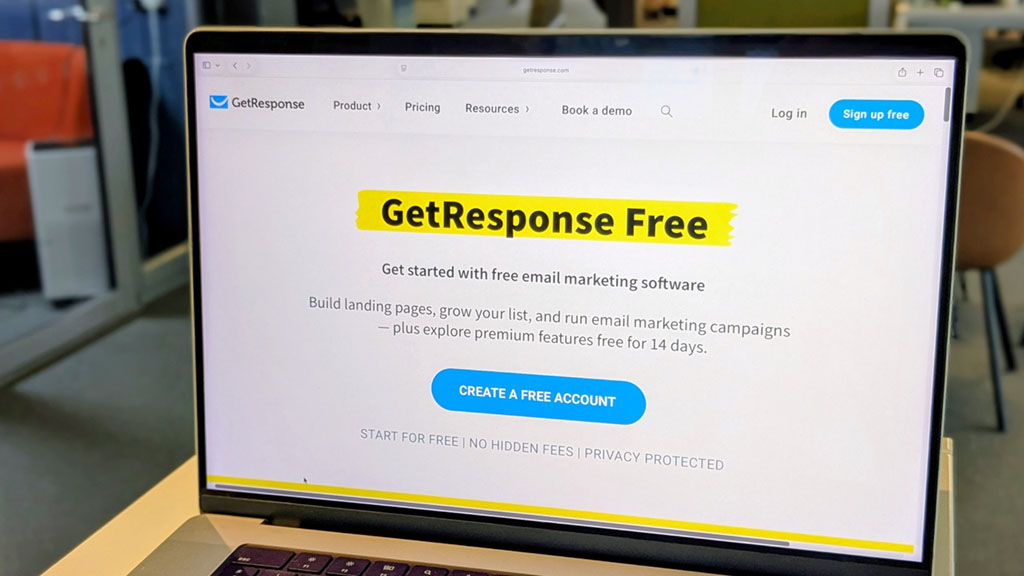
In this post, I’ll explain how the GetResponse Free plan works, what you can do with it and how to access a 14-day free trial of GetResponse’s premium features.
GetResponse is a popular email marketing platform that lets you create newsletters, grow a mailing list and automate your email campaigns. It also goes considerably further than many competing tools, with features for building landing pages, sales funnels, webinars and online courses.
The good news is that there are two ways to try GetResponse without paying. You can use its free plan on an ongoing basis, or take advantage of a 14-day free trial if you want to explore its more advanced, premium functionality.
Both options are useful, but for different reasons. So, let’s start by looking at the forever free plan — what you can do with it, and where its limitations lie.
What do you get with the GetResponse free plan?
GetResponse’s free plan gives you a useful set of tools for running basic email marketing campaigns, and there’s no time limit on how long you can use the plan.
You can add up to 500 contacts to your account and send up to 2,500 email messages per month. You also get access to GetResponse’s library of around 250 email templates, along with its drag-and-drop email editor and basic campaign reporting tools.
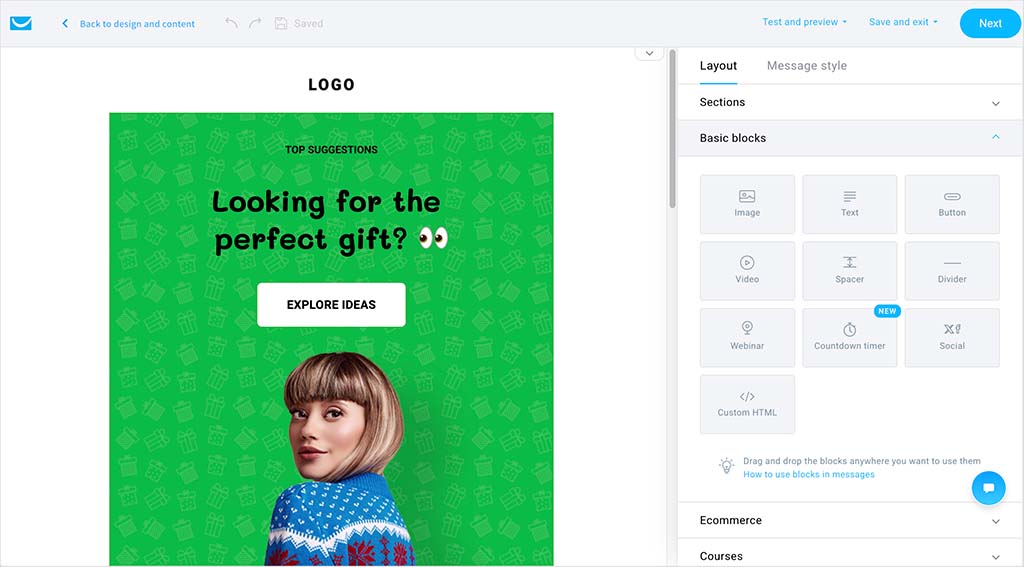
But the free plan isn’t limited to email. You can also use it to create one landing page, publish one website and build signup forms and popups for capturing new contacts.
So, for a small business or individual with a modest mailing list, there’s enough functionality here to collect email addresses, create newsletters and track how your campaigns perform — all without paying a monthly fee.
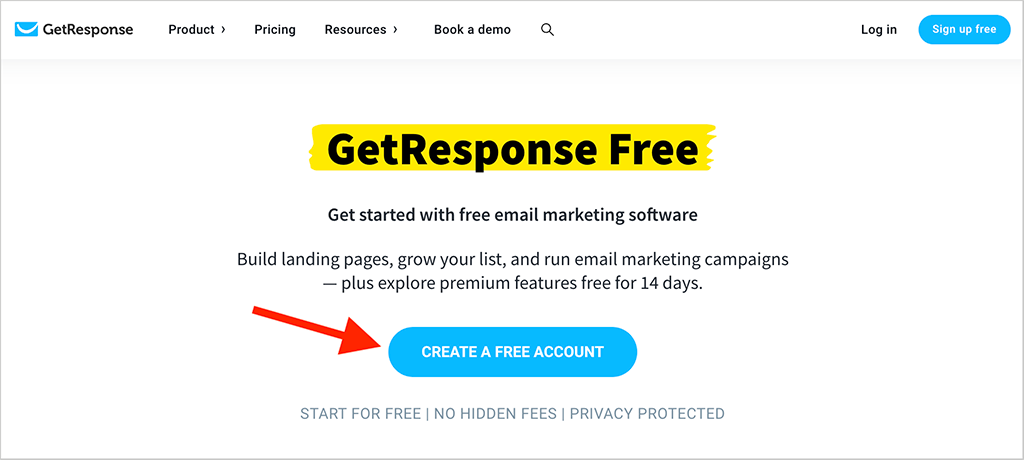
Signing up is straightforward too. Simply visit GetResponse using our link below and click the ‘Create a free account’ button. You don’t need to provide any credit card details to get started.
What are the limitations of the GetResponse free plan?
The GetResponse free plan is useful, but its limits mean that it’s primarily suited to small mailing lists and relatively simple email campaigns.
The 500-contact limit is the most obvious restriction. And the 2,500-message monthly allowance means that if you had the maximum 500 contacts on your list, you could send around five newsletters to your entire list each month. If you wanted to email those 500 contacts twice a week, for example, the free plan wouldn’t provide enough monthly sends.
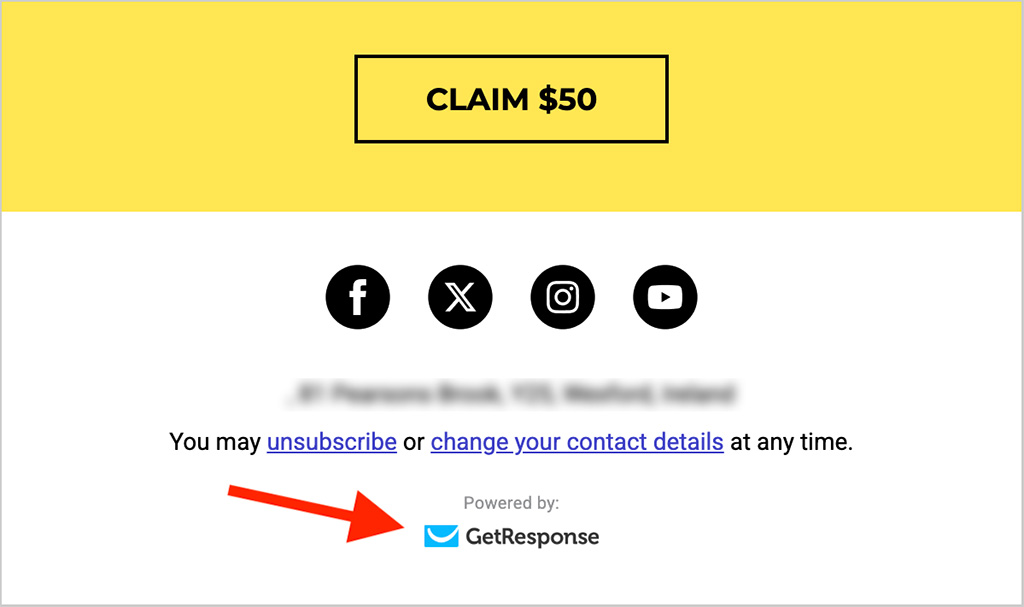
There are some presentational limitations too. Emails sent on the free plan contain GetResponse branding, and you’re limited to one landing page and one website. These restrictions may not matter much when you’re starting out, but they could become an issue as your business and mailing list grow.
And perhaps most significantly, the free plan doesn’t give you ongoing access to many of GetResponse’s more sophisticated marketing tools. Features like advanced marketing automation, advanced segmentation, conversion funnels and webinars require premium functionality.
If you’d like to see what these more powerful features can do before paying for them, however, there’s another option: the GetResponse 14-day free trial.
How does the GetResponse free trial work?
If you want to explore GetResponse beyond the limitations of its free plan, you can also take advantage of a 14-day trial of its premium features. No credit card is required to get started.
The trial retains the free account limits of 500 contacts and 2,500 email sends, but gives you temporary access to a much broader range of functionality. For example, you can create and publish as many marketing automation workflows as you like, letting you test automated subscriber journeys based on customer actions and behavior.
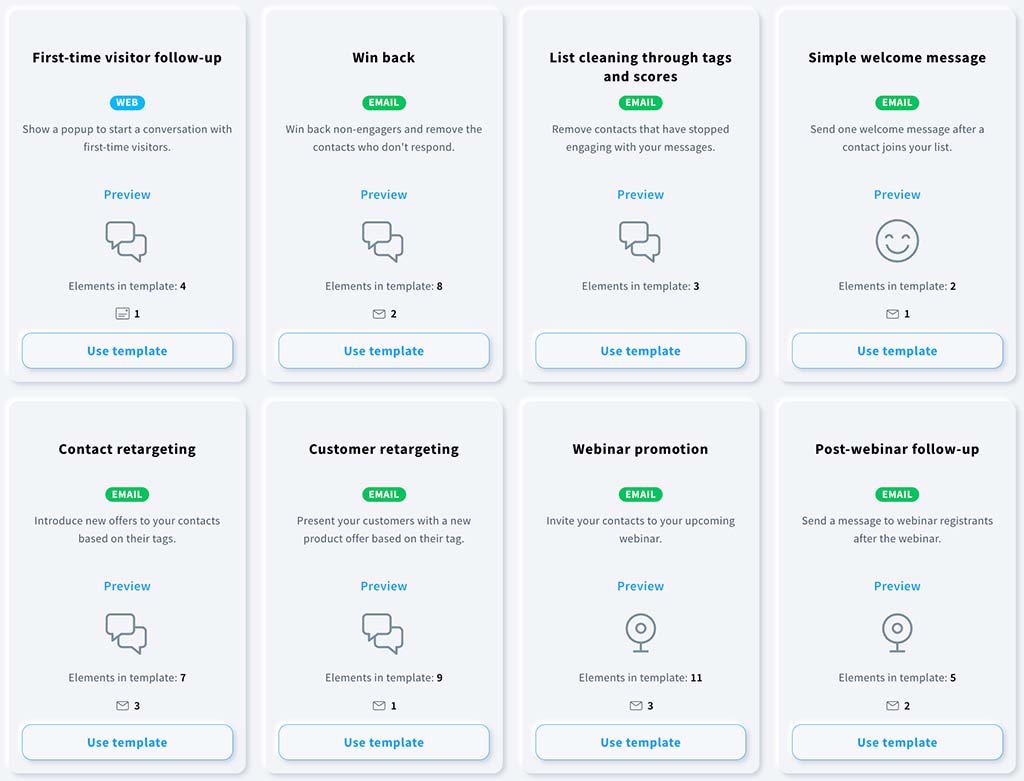
You can also experiment with GetResponse’s webinar tools — during the trial, webinars can accommodate up to 10 people, and you can record one webinar of up to 30 minutes and turn the recording into an on-demand webinar. Other premium functionality available to try includes autoresponders, conversion funnels, ecommerce campaigns, advanced segmentation and AI-powered marketing tools.
This makes the trial a much better way to evaluate what GetResponse can do as a full marketing platform, rather than simply as a newsletter tool. And if you upgrade to a paid plan afterward, the 2,500-message restriction is removed — GetResponse’s regular paid plans include unlimited email sends.
What happens when the GetResponse free trial ends?
When your 14-day trial ends, you won’t be charged automatically — no credit card is required to start the trial in the first place. If you don’t upgrade, you’ll simply lose access to the premium features you’ve been testing and can continue using GetResponse on its free plan.
This means features you may have been experimenting with during the trial — such as published automation workflows, integrations and API access — will no longer be available on the free plan. You’ll still be able to use GetResponse for basic email marketing, subject to the free plan’s 500-contact and 2,500-message limits.
Alternatively, you can upgrade to a paid GetResponse plan at any point during or after the trial. Doing so removes the 2,500-message limit, with all the standard paid plans giving you unlimited monthly email sends; the other features you retain will depend on whether you choose the Starter, Marketer or Creator plan.
How much does GetResponse cost after the free trial?
If you decide to stick with GetResponse after your trial, there are three standard paid plans to choose from — Starter, Marketer and Creator — plus an Enterprise option for larger organizations. Pricing increases as your contact list grows.
For a list of up to 1,000 contacts, monthly pricing is as follows:
| GetResponse plan | Monthly price | Annual-plan equivalent |
|---|---|---|
| Starter | $19/month | $15.58/month |
| Marketer | $59/month | $48.38/month |
| Creator | $69/month | $56.58/month |
| Enterprise | Custom | Custom |
Paying annually gives you an 18% discount on the standard monthly rates. All three standard paid plans also include unlimited monthly email sends.
For straightforward email marketing, Starter will probably be sufficient for many users — it includes newsletters, autoresponders, landing pages, signup forms and basic automation. Marketer is the better fit if you need more sophisticated automation and ecommerce tools, including advanced segmentation, abandoned cart recovery and sales funnels. Creator, meanwhile, adds tools for monetizing content, including webinars, online courses and paid newsletters.
For a more detailed breakdown of the plans and how costs increase as your list grows, you can read our full guide to GetResponse pricing.
You can check GetReponse’s latest pricing here.
Is GetResponse worth trying?
Yes. One of GetResponse’s biggest strengths is that it goes considerably beyond basic email marketing. Its marketing automation builder is particularly powerful, letting you create sophisticated subscriber journeys based on how people interact with your emails and business.
GetResponse also provides several tools that you don’t typically find built into an email marketing platform. These include webinars, conversion funnels and content monetization features — the latter let you create and sell online courses, manage students and charge for webinar attendance.
Its free offering stacks up well against some key competitors too. For example, while both GetResponse and Mailchimp’s free plans support up to 500 contacts, GetResponse lets you send 2,500 emails per month compared with Mailchimp’s 1,000.
So, if you’re looking for more than a simple email newsletter tool, GetResponse is certainly worth investigating — and the 14-day trial gives you a particularly useful opportunity to put some of its more advanced features through their paces before paying for them.
GetResponse free plan and free trial — FAQ
Is GetResponse really free?
Yes. GetResponse has a free-forever plan that lets you use its basic email marketing and lead-generation tools without paying a monthly subscription. You can add up to 500 contacts, send up to 2,500 messages per month and create a landing page, as well as use signup and contact forms.
How long is the GetResponse free trial?
The GetResponse free trial lasts 14 days. During this period, you can try a much wider selection of premium functionality, including marketing automation, autoresponders, webinars, conversion funnels and other advanced marketing tools. No credit card is required.
Do I need a credit card for the GetResponse free trial?
No. You can create a GetResponse free account and access the 14-day trial of its premium features without providing credit card details. If you don’t upgrade afterward, you won’t be automatically charged.
How many emails can I send with GetResponse for free?
GetResponse’s free account lets you send up to 2,500 messages per month. This limit applies during the initial 14-day premium trial too, and covers newsletters, autoresponders, A/B tests and automation messages.
How much does GetResponse cost after the free trial?
GetResponse paid plans start at $19 per month for its Starter plan, which supports up to 1,000 contacts and includes unlimited monthly email sends. Paying annually reduces this to $15.58 per month, and more advanced Marketer and Creator plans are available if you need features such as advanced automation, ecommerce tools, webinars or course creation.
Can I go back to the GetResponse free plan after upgrading?
No. Although you can continue using the free plan if you don’t upgrade after your trial, GetResponse says that once you upgrade to a paid account, you can’t subsequently downgrade that account back to the free plan.

No comments